
| # Name | |
| **ConfigEditor.py** is a python script with a GUI interface that can support changing configuration | |
| settings directly from the interface without having to modify the source. | |
| ## Description | |
| This is a GUI interface that can be used by users who would like to change configuration settings | |
| directly from the interface without having to modify the SBL source. | |
| This tool depends on Python GUI tool kit Tkinter. It runs on both Windows and Linux. | |
| The user needs to load the YAML file along with DLT file for a specific board into the ConfigEditor, | |
| change the desired configuration values. Finally, generate a new configuration delta file or a config | |
| binary blob for the newly changed values to take effect. These will be the inputs to the merge tool or | |
| the stitch tool so that new config changes can be merged and stitched into the final configuration blob. | |
| It supports the following options: | |
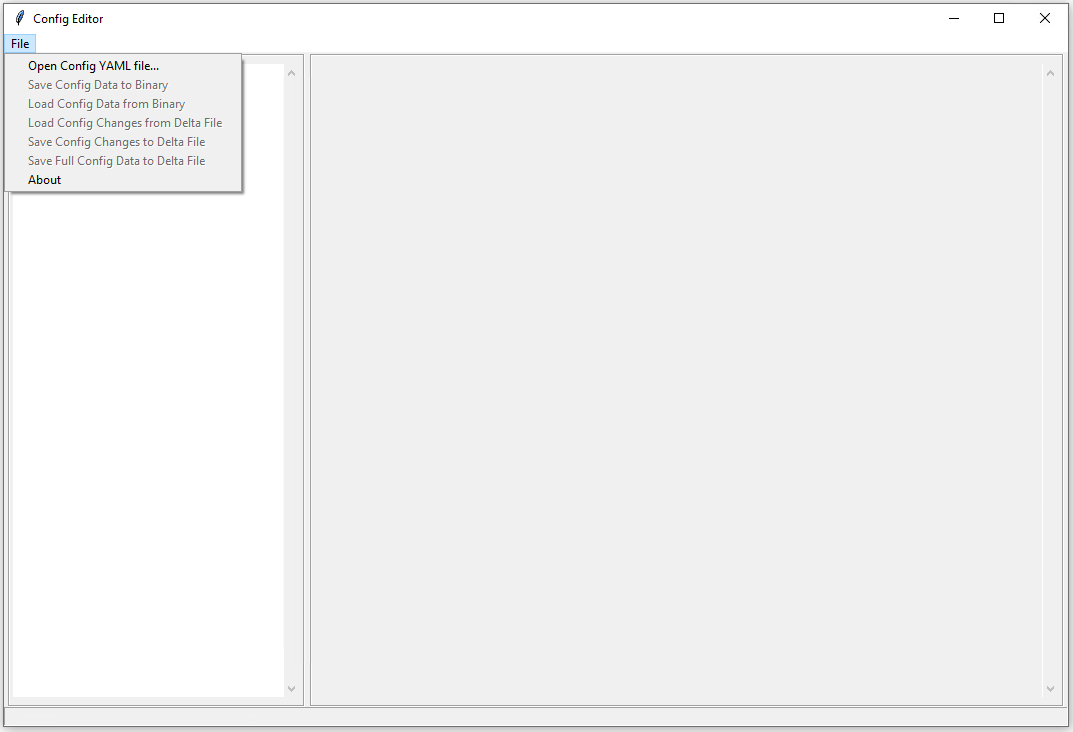
| ## 1. Open Config YAML file | |
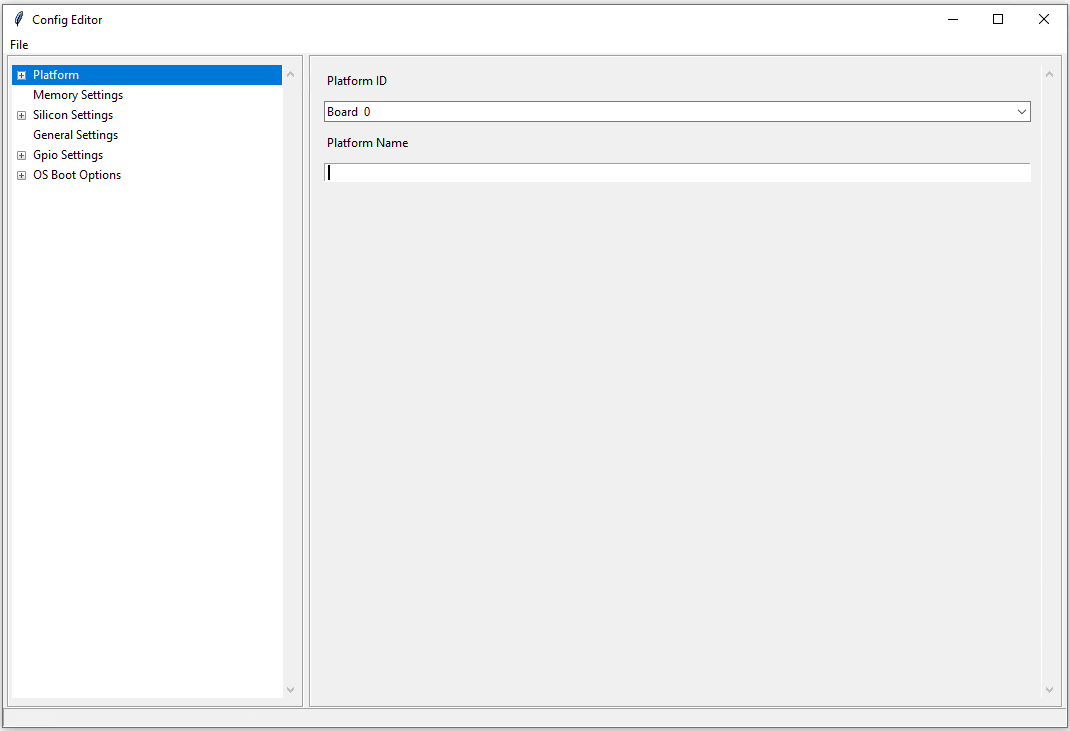
| This option loads the YAML file for a FSP UPD into the ConfigEditor to change the desired configuration values. | |
| This option loads the YAML file for a VFR config data into the ConfigEditor to view the desired form values. | |
| ### Example | |
|  | |
|  | |
| ## 2. Open Config BSF file | |
| This option loads the BSF file for a FSP UPD into the ConfigEditor to change the desired configuration | |
| values. It works as a similar fashion with Binary Configuration Tool (BCT) | |
| ## 3. Show Binary Information | |
| This option loads configuration data from FD file and displays it in the ConfigEditor. | |
| ## 4. Save Config Data to Binary | |
| This option generates a config binary blob for the newly changed values to take effect. | |
| ## 5. Load Config Data from Binary | |
| This option reloads changed configuration from BIN file into the ConfigEditor. | |
| ## 6. Load Config Changes from Delta File | |
| This option loads the changed configuration values from Delta file into the ConfigEditor. | |
| ## 7. Save Config Changes to Delta File | |
| This option generates a new configuration delta file for the newly changed values to take effect. | |
| ## 8. Save Full Config Data to Delta File | |
| This option saves all the changed configuration values into a Delta file. | |
| ## 9. Search feature | |
| This feature helps the user to easily find any configuration item they are looking for in ConfigEditor. | |
| A text search box is available on the Top Right Corner of ConfigEditor. To use this feature the user | |
| should type the name or a key word of the item they want to search in the text box and then click on | |
| the "Search" button. This will display all the items which contains that particular word searched by the user. | |
| ## Running Configuration Editor | |
| ```python | |
| python ConfigEditor.py | |
| ``` |